Loading...
Loading...

PR · Pace · Heart-rate efficiency
Onrep looks at distance, pace, heart rate, laps, route, grade, stops, and sensor quality so a faster run has context.
Running session
Start from phone or watch
5K PR · efficient
5.02 km
Avg pace
5:55/km
HR
146bpm
Splits
Route and lap comparison
5:55/km at Z3
Running
28:42
5.02km
Lap
5:49
Avg
5:55
5K PR · efficient
A faster continuous segment with better heart-rate context.
PR context
Same-HR pace
Route and lap comparison
For runners who already have numbers, but still wonder whether a faster split came from fitness, effort, terrain, or conditions.
Running logs become evidence for pace efficiency, route-specific improvement, and more careful PR interpretation.
A 5K PR can come from fitness, downhill help, GPS noise, or simply pushing harder.
Track loops and 1 km splits answer different questions.
The same pace at a lower heart rate can matter more than a flashy PR.
Onrep checks whether a PR looks efficient, hard-pushed, risky, context-assisted, or limited by the available data.
Track loops, 1 km splits, similar courses, and overlapping segments are separated so each comparison stays useful.
Onrep looks for faster pace in the same heart-rate zone and flags when sensor quality or workout type limits confidence.
5K PR · efficient
A faster continuous segment with better heart-rate context.
5:55/km at Z3
Pace improved compared with your earlier baseline in the same heart-rate zone.
Course lap view
Loop repeats and 1 km splits are kept separate.
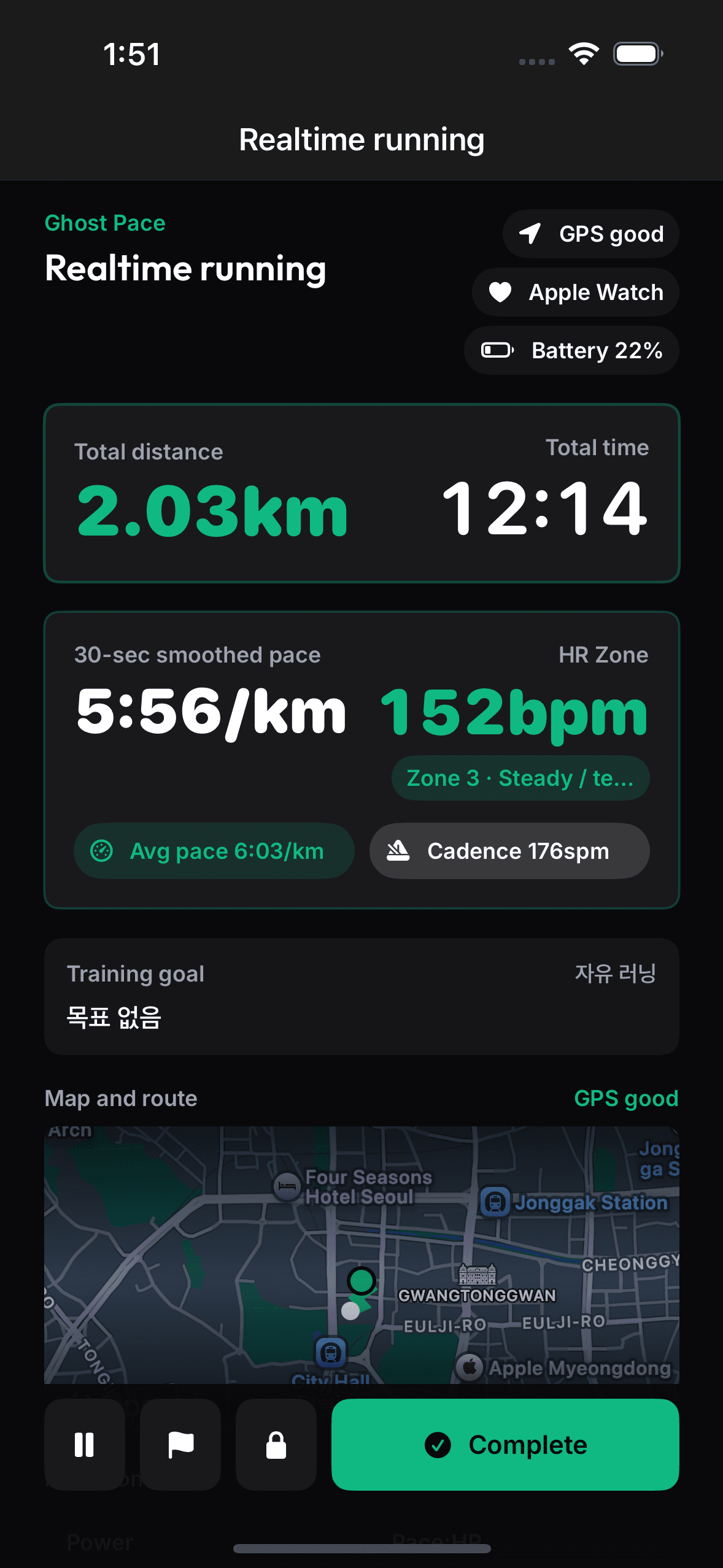
GPS readiness, heart rate, countdown, live pace, lap, zone, and finish controls stay easy to glance at.
Splits, laps, route candidates, grade ranges, and heart-rate zones become structured detail after the run.
The detail page explains whether today looks like efficient progress, hard effort, hidden growth, or a result that needs context.
Download Onrep before your next run and see whether the result was fitness, effort, route, or conditions.